
Posts
Volcano Changing Landscape
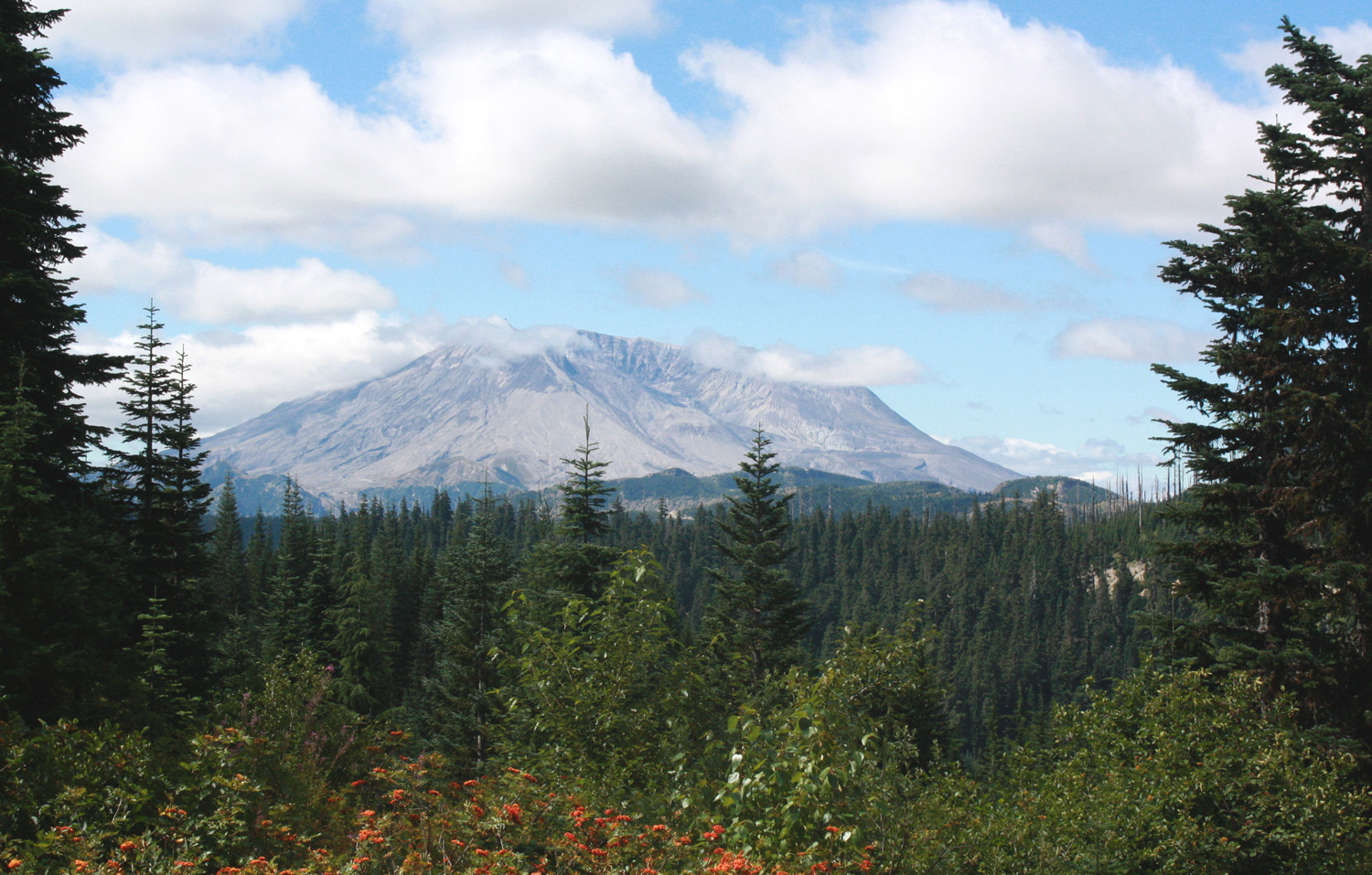
The landscape within the blast area of the 1980 Mt St Helens eruption continues to change with trees growing tall. Like in my 2009 post, I have a few side-by-side comparison photos to share along with some others showing nature at work. My family first visited the blast area the year it opened to the public in 1983. The road was closed after the Miner’s Car for work crews. We walked another 6 miles along the road and on trails to reach Windy Ridge for a closer view of the crater. Driving from lush forest into the barren landscape for the first time is a moment I can’t forget. Today many trees grow in the area. I’ve tried to get as close as I could to standing in the same location for comparison pictures, but growth, trail washouts, and newer construction prevented a perfect match.
Beaver Meadows
Just before entering the blowdown area on Road 25, you’ll find this nice viewpoint where a famous series of photos were taken by Keith Ronnholm and Gary Rosenquist (USGS) showing the eruption.
Draco Calculation Now Available

I like Calculation solitaire because skill is a major factor for winning. The game is easy to learn and may help the little ones with their arithmetic. For example: adding 4 to 11 results in 15, and subtracting 13 is 2, the next card in the 4s stack after Jack (Knave).
In Calculation, we build a foundation of four stacks to Kings counting by 1s in the first stack, 2s in the second, 3s in the third, and 4s in the last. The first stack is simply A - K. The second begins with 2 and reaches King counting by 2s. Cards may be discarded to four piles in any order with a strategy of counting backward by 2s, 3s, or 4s as to later play them in sequence to the foundation. See “How to Play Draco Calculation” for details.
Continue reading...Upgrading to Windows 10 with VMWare Fusion
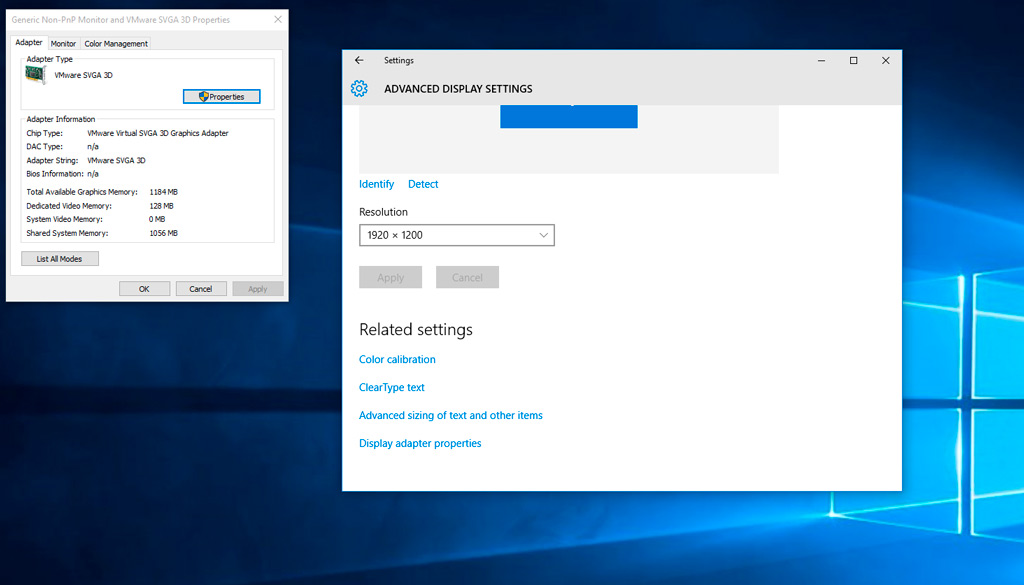
For those using VMWare Fusion 7 and upgrading to Windows 10 experiencing an issue with the video driver, Mike Roy at mikeroySoft.com has a nice guide. In short, use the Windows 10 ISO (available here) mounted as a drive to do the upgrade. After the upgrade, if you’re limited to low resolutions with the default Windows VGA driver, try “Reinstall VMWare Tools” on your virtual machine and restart Windows 10. Note that you may need to go to “This PC” in Windows and select the VMWare Tools to install. Then you should have the VMWare SVGA driver as seen in the screen capture below.
###Reminders
- Make sure you’re logged in on the Adminstrator account, else you might get the “Something Happened” error.
- Take a snapshot first.
- During upgrade, check the “customize settings” option to see if there’s anything you’d like to disable, such as sending data to Microsoft. Also accessible after upgrade in personalization.
iTunes Not-So-Bad Design
In response to a post on The Atlantic, “iTunes Really Is That Bad” by Robinson Meyer, I cover an issue I have with one of the given examples supporting the claim of poor design of Apple’s iTunes. The author asks the reader to examine the horizontal navigation bar starting within the music library.
I tried it on my Mac, and the buttons didn’t move. My mouse remained hovering over the “For You” button. As a software developer, I immediatly knew the reason my experience differed: the author’s iTunes window is much narrower than mine. I had to reduce my iTunes width to the mininum in order to duplicate the given example.
Continue reading...Cards Art

I created these playing cards for Draco Calculation using Procreate and a stylus over the course of two months. Since the playing cards may appear small on a phone screen and larger on a tablet, my goal was a design that would scale well and have a playing card feel. The card lettering seen in the above collection of face cards (hi-res) is for the French deck. The game includes English lettering and also numbers with the same artwork.
Continue reading...